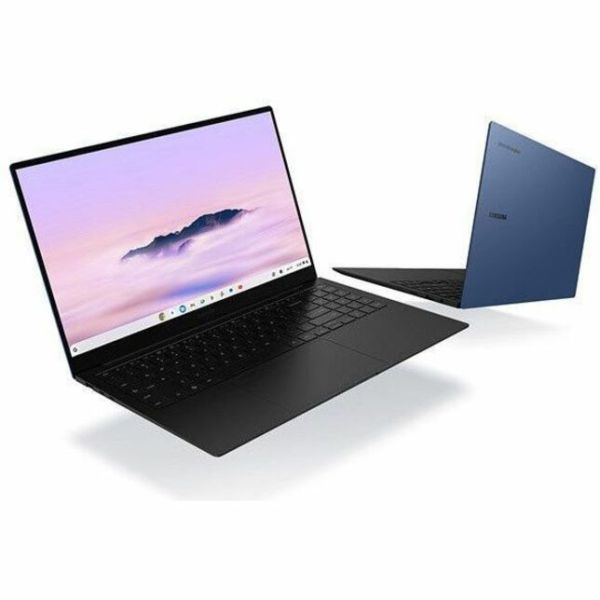
The Galaxy Chromebook Plus makes a large AMOLED screen unusually easy to carry. Matching reviews and owners support browser-first work and portability, while its unfamiliar keyboard layout and ChromeOS app limits deserve attention before buying.
Intel Core 3 100U · Intel integrated graphics · 8GB LPDDR5X · 256GB UFS
Keep in mind: Keyboard layout is a repeated complaint; try the Plus-key placement before choosing it for long typing sessions.

The Chromebook Plus 14 brings an OLED, silent fanless operation and comfortable controls to browser-first work. Matching tests support writing, calls and media, provided ChromeOS supports the applications you need.
MediaTek Kompanio Ultra 910 · Arm Immortalis-G925 · 16GB · 256GB
Keep in mind: The glossy OLED reflects bright surroundings and uses PWM; app compatibility remains a separate buying check.
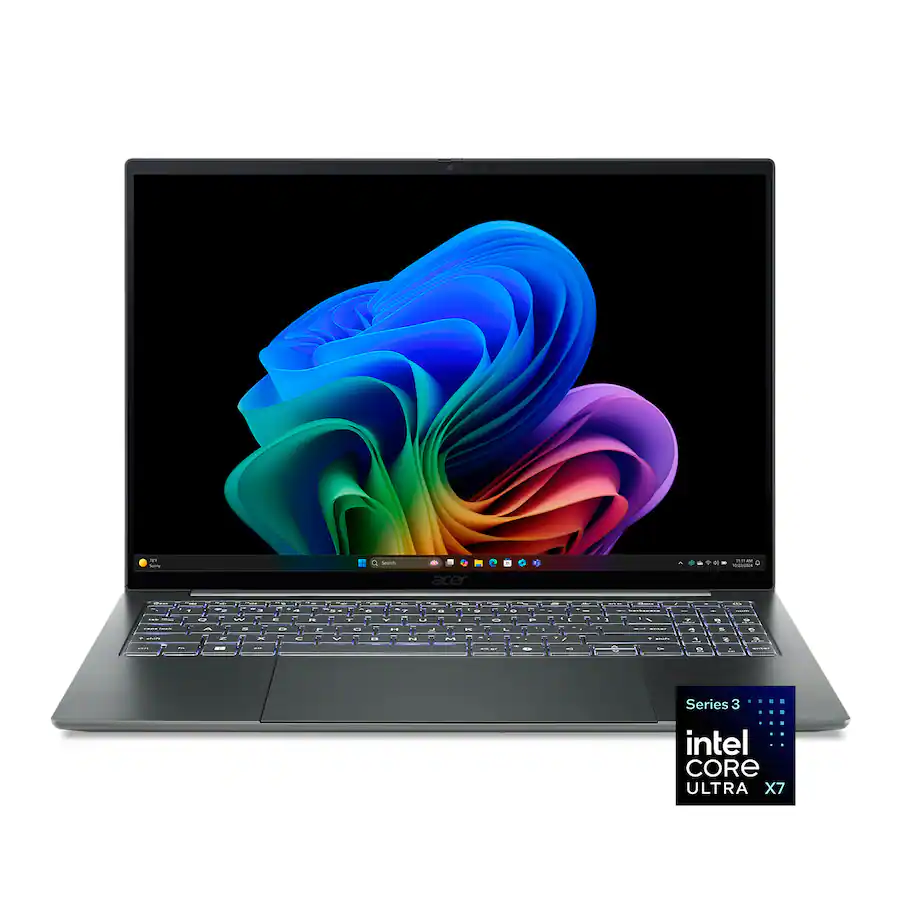
A large OLED workspace without a typical large-laptop carry burden is the Swift 16 AI's appeal. This 16GB/1TB version shares the reviewed X7 platform, with exact-owner feedback reinforcing portability rather than proving identical benchmarks.
Intel Core Ultra X7 358H · Intel Arc B390 · 16GB LPDDR5X · 1TB SSD
Keep in mind: The onboard 16GB memory cannot be upgraded, so choose this configuration around the workloads you expect to keep using.

The MacBook Neo suits writing, browsing and lighter projects. Matching coverage supports everyday responsiveness and portable construction, but the fixed 8GB memory and small 256GB SSD deserve close attention for long-term needs.
Apple A18 Pro · Apple A18 Pro 5-core GPU · 8GB unified · 256GB SSD
Keep in mind: The 8GB memory is a constraint for heavy professional work; exact owners also flag small storage and limited ports.

The X Plus Zenbook A14 keeps OLED work hardware light and comfortable to carry. Matching everyday coverage and exact owners support travel, while graphics-heavy work, Arm apps and fixed memory need realistic checks.
Qualcomm Snapdragon X Plus X1P-42-100 · Qualcomm Adreno integrated graphics · 16GB LPDDR5X · 512GB SSD
Keep in mind: Heavy graphics are weaker fits, and exact everyday testing did not establish heavy-work cooling.
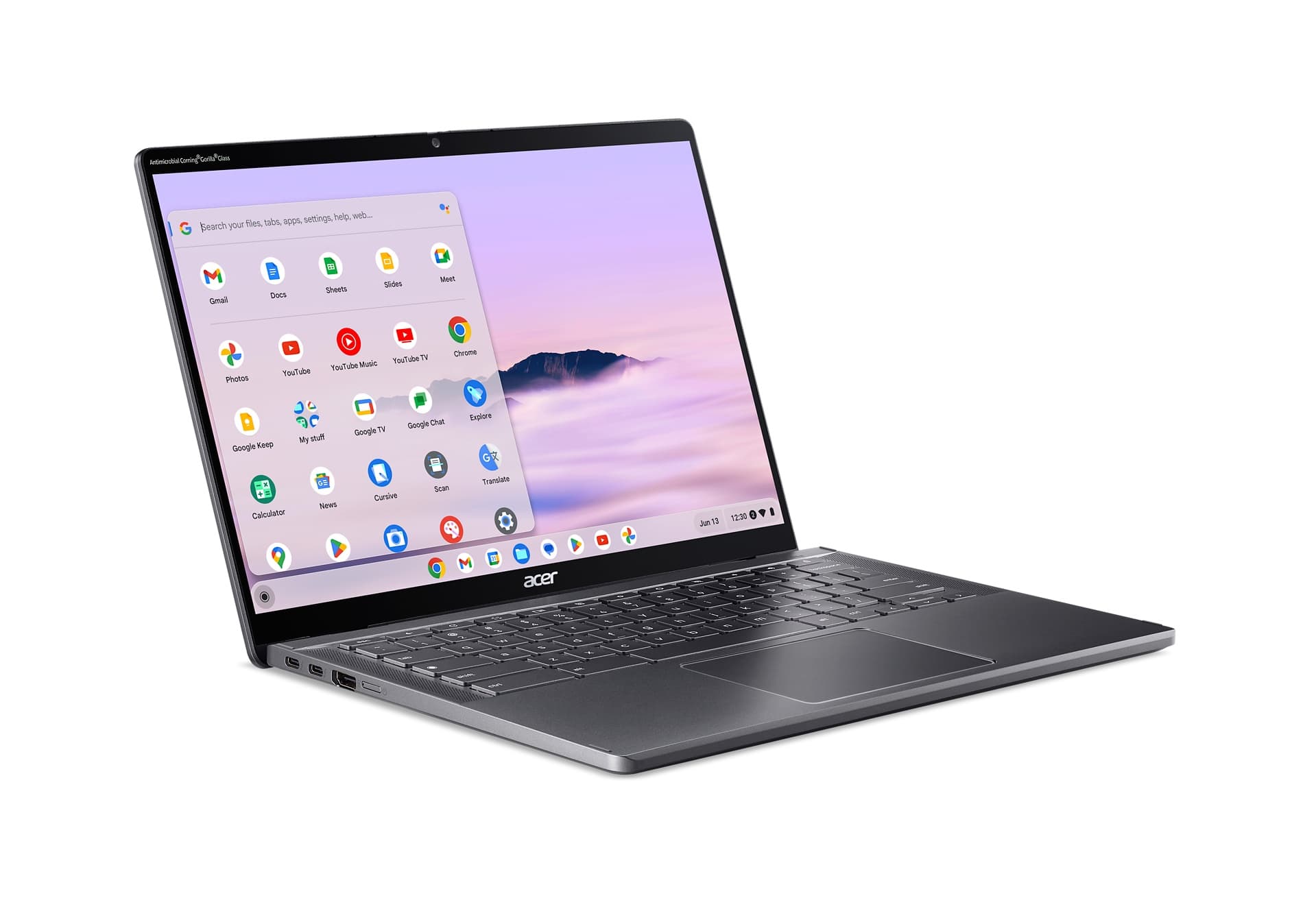
The Spin 714 is for schoolwork that moves between typing, video calls and touchscreen use. Its convertible design and useful ports make ChromeOS practical, provided your apps run there and the fixed 8GB memory is enough.
Intel Core Ultra 5 115U · Intel integrated graphics · 8GB · 256GB SSD
Keep in mind: The memory cannot be upgraded, and ChromeOS does not support every specialist desktop application.
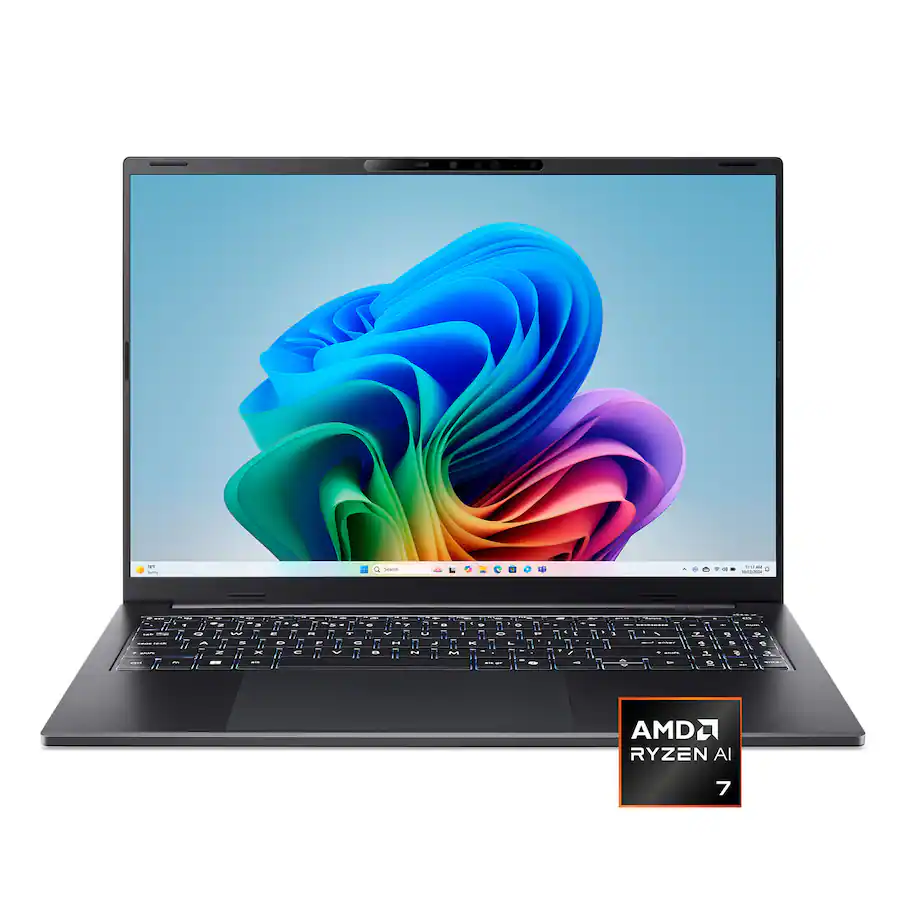
The Swift Go 16 AI favors a roomy touchscreen, practical connections and comfortable typing over flagship graphics. The exact Ryzen AI 7/16GB/1TB model has independent testing behind it, making its workday strengths and limits clear.
AMD Ryzen AI 7 445 · AMD Radeon 840M · 16GB LPDDR5X · 1TB PCIe Gen4 SSD
Keep in mind: Performance drops materially on battery, and Radeon 840M graphics are a weaker fit for demanding 3D games.

The 16GB XPS 13 suits work where carrying weight and endurance matter more than maximum processing. Matching Core 5 coverage supports battery life, with the sharp touchscreen offset by sparse connections and less convincing heavy-work performance.
Intel Core 5 320 · Intel integrated graphics · 16GB · 512GB SSD
Keep in mind: The Core 5 is weaker for sustained heavy work; two USB-C ports constrain older desk accessories.
The 8GB XPS 13 is easy to carry for light work, but memory is the decisive configuration choice. Matching tests support display and battery appeal while explaining why heavier multitasking and long renders are less suitable.
Intel Core 5 320 · Intel integrated graphics · 8GB LPDDR5X · 512GB SSD
Keep in mind: The 8GB memory is soldered, so heavier Windows multitasking can outgrow it without a later upgrade.
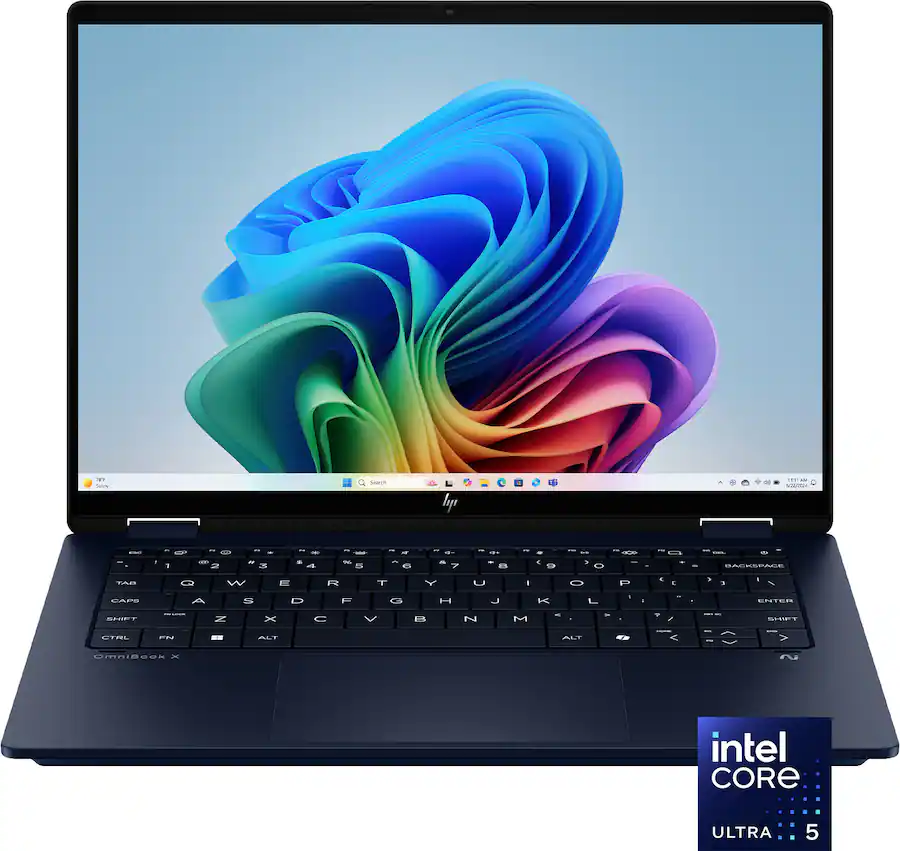
The OmniBook X Flip suits notes, browser work and family use in a flexible 2-in-1. Matching tests support the metal build and useful endurance; limited color and an unfamiliar keyboard make trying it worthwhile.
Intel Core Ultra 5 226V · Intel Arc integrated graphics · 16GB · 512GB SSD
Keep in mind: The gapless keyboard caused errors in matching testing, and the base IPS display is weak for color-critical work.
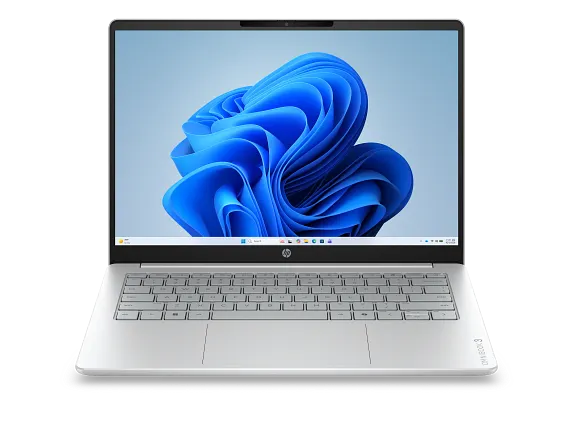
The OmniBook 3 is a straightforward configuration for light Windows use, with 8GB memory and 256GB storage. Coverage is mainly family context, so the listed ports and screen provide orientation rather than a firm exact-model verdict.
AMD Ryzen 5 230 · AMD Radeon 760M · 8GB DDR5-5600 · 256GB SSD
Keep in mind: Small memory and a narrow-color IPS screen are constraints; exact battery, heavy-load and long-term owner evidence remain limited.