
Choose for the room you actually have
Choose OLED when movie-night blacks, wide seating and fast pixel response matter most. Choose QLED or Mini-LED when you need sustained brightness, strong glare resistance, long hours of static channels or a larger screen at the same budget. QD-OLED sits inside the OLED family; Mini-LED sits inside the LCD/QLED family.
OLED or QLED by use case
Self-lit pixels can switch off individually, which removes LCD blooming around subtitles and stars.
The strongest LCD models can sustain more full-screen brightness. Reflection treatment still varies by model.
Color and contrast generally hold up better away from the center seat.
Both technologies can deliver 4K/120Hz, VRR and low input lag. Port count and Game Mode quality decide more than the label.
Brightness helps, but motion processing, uniformity and viewing angle can reverse the result.
News tickers, desktop toolbars and fixed menus avoid OLED retention concerns.
No backlight means pixel-level black control and no local-dimming halo.
LCD ranges usually offer more aggressive prices at 75 and 85 inches.
Room light, side seating, streaming quality and price can pull the decision in different directions.
What OLED, QD-OLED, QLED and Mini-LED actually mean
OLED is self-emissive: each pixel makes its own light. That is why black can be truly black and why viewing angles are usually wide. QD-OLED is still OLED, using quantum dots for color conversion; Samsung and Sony sell current examples.
QLED usually describes an LCD TV with a quantum-dot color layer. It does not guarantee a specific brightness, dimming system or picture quality. Mini-LED describes a smaller backlight design that can create more local-dimming zones. A strong Mini-LED TV can approach OLED-like contrast in many scenes, but it cannot remove blooming in every difficult pattern.
A premium OLED can beat an entry-level QLED in a bright room, and a carefully tuned Mini-LED can beat a cheaper OLED for HDR impact. Compare exact sizes and models, not logos on the box.
Black level, brightness, reflections, color and viewing angle
| Picture factor | OLED tendency | QLED / Mini-LED tendency | What to verify |
|---|---|---|---|
| Black level | Pixel-level control; no blooming | Depends on local dimming; halos can appear | Dark scenes, subtitles and star fields |
| Brightness | Strong highlights; full-screen output varies | Often higher sustained and full-screen output | Measured HDR and SDR brightness |
| Reflections | Varies from glossy to improved anti-glare | Best models can be excellent; cheap sets still vary | Direct versus ambient reflections |
| Color | Excellent; QD-OLED can retain rich bright color | Quantum-dot models can deliver high color volume | Accuracy, not just vivid demo modes |
| Viewing angle | Usually wide and consistent | Can wash out from side seats, with exceptions | Your widest real seating position |
For PS5, Xbox and PC, inspect the inputs
Panel type does not tell you how many HDMI 2.1 inputs work at full bandwidth, whether eARC consumes one of them, how VRR behaves, or how much local dimming changes in Game Mode. OLED response is exceptionally fast, but very low-frame-rate content can look stuttery. Mini-LED can stay brighter, while some models reduce black-level control to keep input lag low.
The current best gaming TV guide makes those platform choices explicit. LG’s C6 combines four HDMI 2.1 inputs, Dolby Vision and high-refresh PC support. Samsung’s S90F is a strong multi-device alternative with 4K/144Hz, but Samsung does not support Dolby Vision.
OLED burn-in is a usage risk, not an automatic outcome
Permanent image retention is most relevant when the same bright static elements stay on-screen for long periods: a news ticker every day, a fixed game HUD for hundreds of hours, or a desktop taskbar used as a monitor. Modern OLED TVs use compensation cycles, pixel shifting and brightness management to reduce risk. Those systems lower the probability; they do not make it zero.
Mixed movies, series, games and normal TV are a different pattern from all-day static signage. If your usage is unusually repetitive, LCD/QLED is the calmer choice. If it is varied, weigh retention alongside the picture-quality benefits instead of treating it as a blanket ban.
Turn the technology choice into a shortlist

OLED blacks and excellent high-refresh gaming for less than S95H
Piqelo Rating 78/100 · 63% confidence · $1,497.99OLED blacks and excellent high-refresh gaming for less than S95H
Piqelo Rating 78/100 · 63% confidence · $1,497.99
Outstanding brightness/value, matte glare control and four HDMI 2.1 ports
Piqelo Rating 87/100 · 74% confidence · $847.99Outstanding brightness/value, matte glare control and four HDMI 2.1 ports
Piqelo Rating 87/100 · 74% confidence · $847.99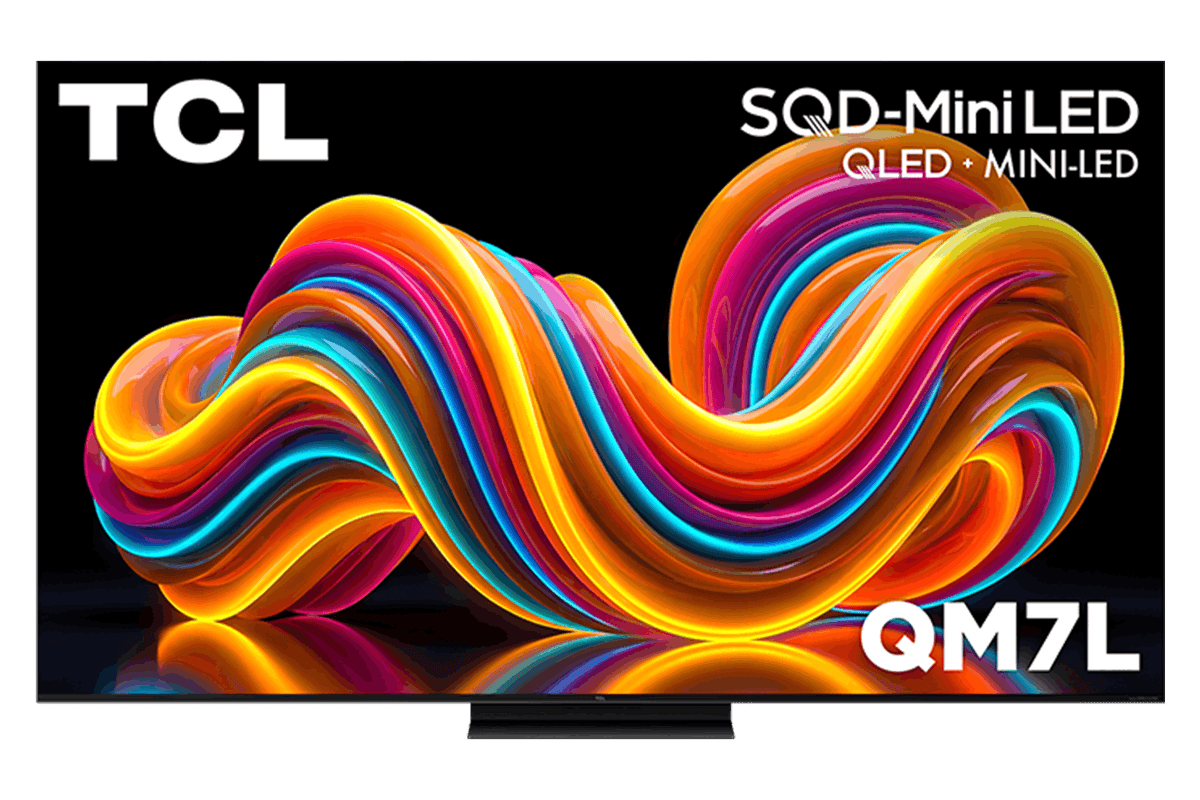
Higher brightness and color than QM7K with full gaming feature set
Piqelo Rating 86/100 · 70% confidence · $1,197.99OLED vs QLED questions
Is OLED always better than QLED?
No. OLED usually wins black level and viewing angle. A strong Mini-LED/QLED can be the better bright-room, static-content or big-screen value choice.
Which is better for a bright room?
A high-brightness Mini-LED/QLED often has the advantage, but reflection handling and the exact screen finish matter. Some flagship OLEDs are much more capable in daylight than older models.
Which is better for gaming?
Both can be excellent. Verify measured input lag, VRR, Game Mode HDR, HDMI 2.1 port count and the refresh rates your actual console or PC can output.
Does QLED mean Mini-LED?
No. QLED refers to a quantum-dot LCD family; Mini-LED describes the backlight. A TV can be QLED without Mini-LED.
Evidence, not invented hands-on claims
Piqelo separates professional measurements, manufacturer specifications and recurring owner patterns. This guide synthesizes the current US-market research set; it does not claim that Piqelo physically tested every TV. Exact-model reviews show source links, evidence confidence and important uncertainty. Read the full Piqelo methodology.